Overview
This course introduces the fundamentals of event cameras through hands-on experiments and self-directed projects. Students will learn how event cameras differ from conventional frame- based cameras and explore their unique capabilities in high-speed and low-latency vision applications. The course emphasizes experimentation and creative problem-solving rather than lectures.
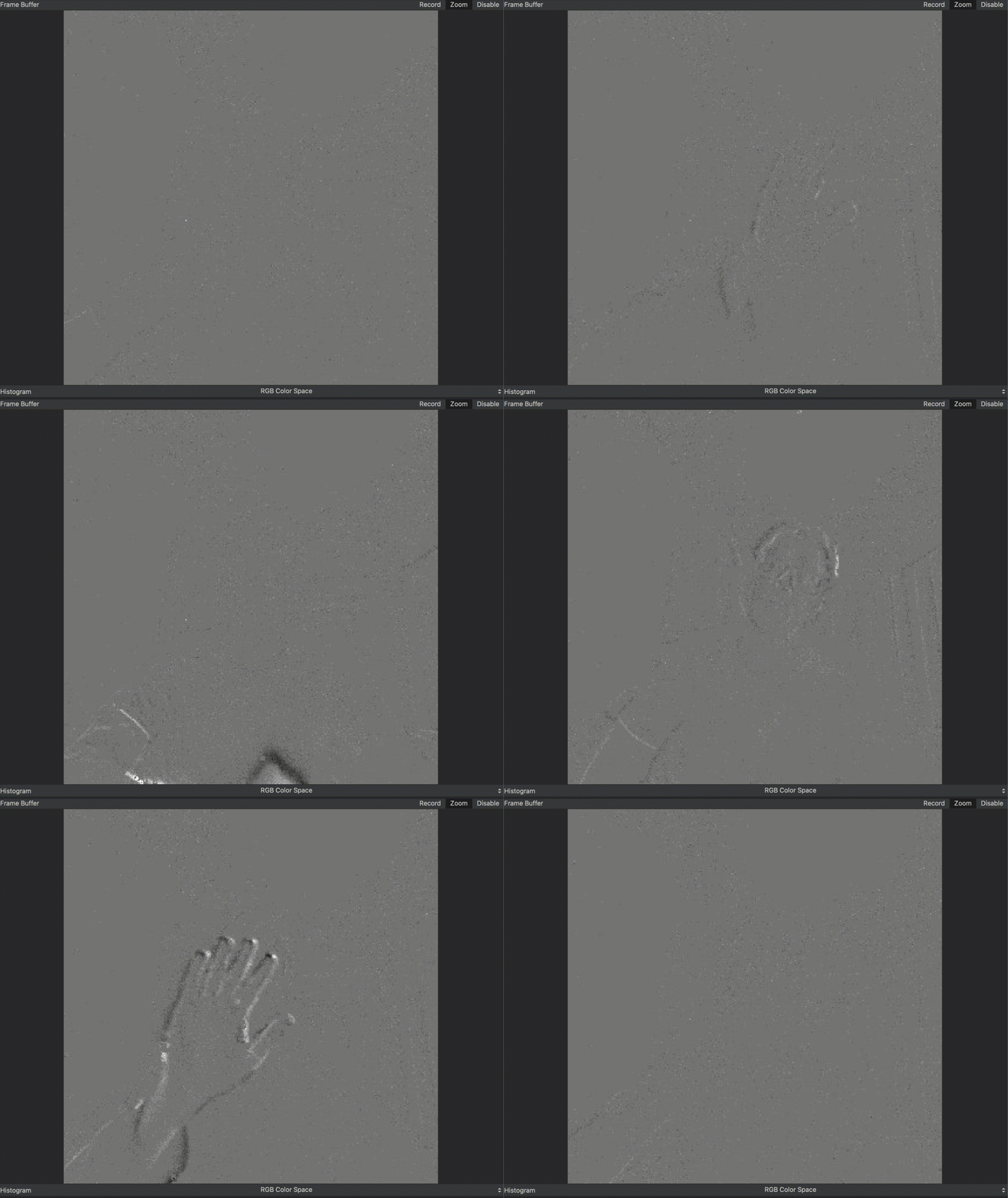
Examples of Event sensor applications
- Please check this page (https://www.prophesee.ai/event-based-sensor-genx320/) for some application demos.
Important Links
- Github: https://github.com/orgs/EventSensorCourse/
- UoA Course Catalog: https://u-aizu.ac.jp/en/curriculum/undergraduate/syllabus/
Target Audience
Undergraduate students with basic programming knowledge
Learning Style
Project-based, exploration-oriented
Learning Outcomes
By the end of the course, students will be able to:
By the end of the course, students will be able to:
- Explain the basic principles of event-based vision.
- Operate the OpenMV X320 event camera.
- Acquire and visualize event streams.
- Design simple event-driven vision algorithms.
- Develop a small project using event camera data.
- Present and demonstrate their solutions.
Prerequisites
- Basic Python programming (desired, will be covered)
- Basic electronics knowledge (desired, will be covered)
- No prior knowledge of computer vision is required
Software
Students will use
- Python
- OpenMV IDE: https://openmv.io/pages/download. For Windows user, portable ZIP file is also available.
- Git & GitHub: Please create an acount at https://github.com/ using your university email. We will add you into the Github repository/organization.
Hardware
- OpenMV X320 Event Camera
- H7 Plus Development Board
- USB Cable
- PC (Windows, Linux, or macOS)
Weekly Schedule
Event Sensor Course — 14 Sessions
| Session | Topic | Activities | Materials |
|---|---|---|---|
| 1 | Introduction to Event Cameras | Course overview, event camera demonstrations, applications, hardware/software setup | [Slide], [Lab] |
| 2 | Getting Started with Event Cameras | Basic event generation, camera operation, first event-stream acquisition, Python/electronics preparation | [Slide], [Lab] |
| 3 | Event Data Exploration | Visualize event streams, explore motion, lighting conditions, noise, and event characteristics | [Slide], [Lab] |
| 4 | Event Data Acquisition | Collect event datasets using OpenMV X320; perform experiments with different objects and environments | [Slide], [Lab] |
| 5 | Basic Event Processing | Event visualization, accumulation, filtering, and simple processing pipeline implementation | [Slide], [Lab] |
| 6 | Project Proposal | Brainstorm project ideas, define objectives, select datasets, and prepare development plans | [Proposal] |
| 7 | Project Development (1) | Implement data acquisition pipeline and collect required data | - |
| 8 | Project Development (2) | Develop initial algorithm and prototype system | - |
| 9 | Project Development (3) | Test prototype, analyze results, and improve implementation | - |
| 10 | Progress Report | Present project progress, preliminary results, challenges, and future plans | [Progress] |
| 11 | Project Development (4) | Continue implementation, optimize algorithms, and expand functionality | - |
| 12 | Project Development (5) | Refine system, conduct experiments, and evaluate performance | - |
| 13 | Final Integration and Presentation Preparation | Complete final system, prepare demonstrations, slides, and documentation | - |
| 14 | Final Presentation | Project demonstration, presentations, discussion, and course reflection | [Final] |
Final Project
Students will design and implement an event-camera application.
Possible topics include:
- Motion detection
- Object tracking
- Gesture recognition
- Event visualization
- High-speed sensing
- Human-computer interaction
- Robotics
- Custom applications
Assessment
| Component | Weight |
|---|---|
| Participation | 40% |
| Project Proposal | 10% |
| Final Project | 35% |
| Final Presentation | 15% |
GitHub Workflow
Throughout the semester, students will
- Clone the course repository.
- Complete weekly laboratory exercises.
- Commit changes regularly.
- Push their work to GitHub.
- Submit assignments through GitHub.
- Develop their final project using version control.
License
Unless otherwise specified, all course materials are released for educational use.
Maintainers
- Khanh N. Dang (check this page for the contact).
- AY2026: Rui Shiota (m5291066@u-aizu.ac.jp)